Koge Kanban
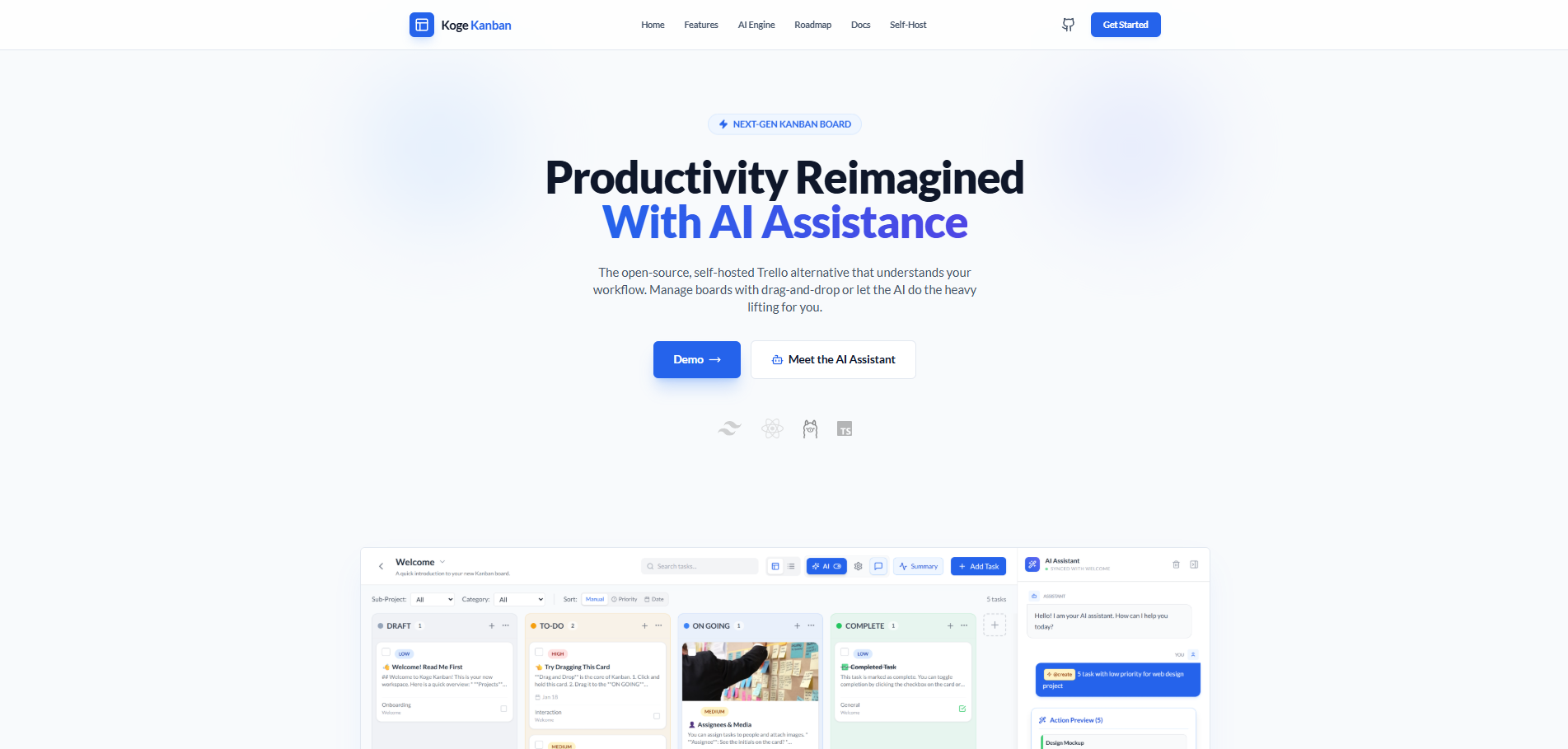
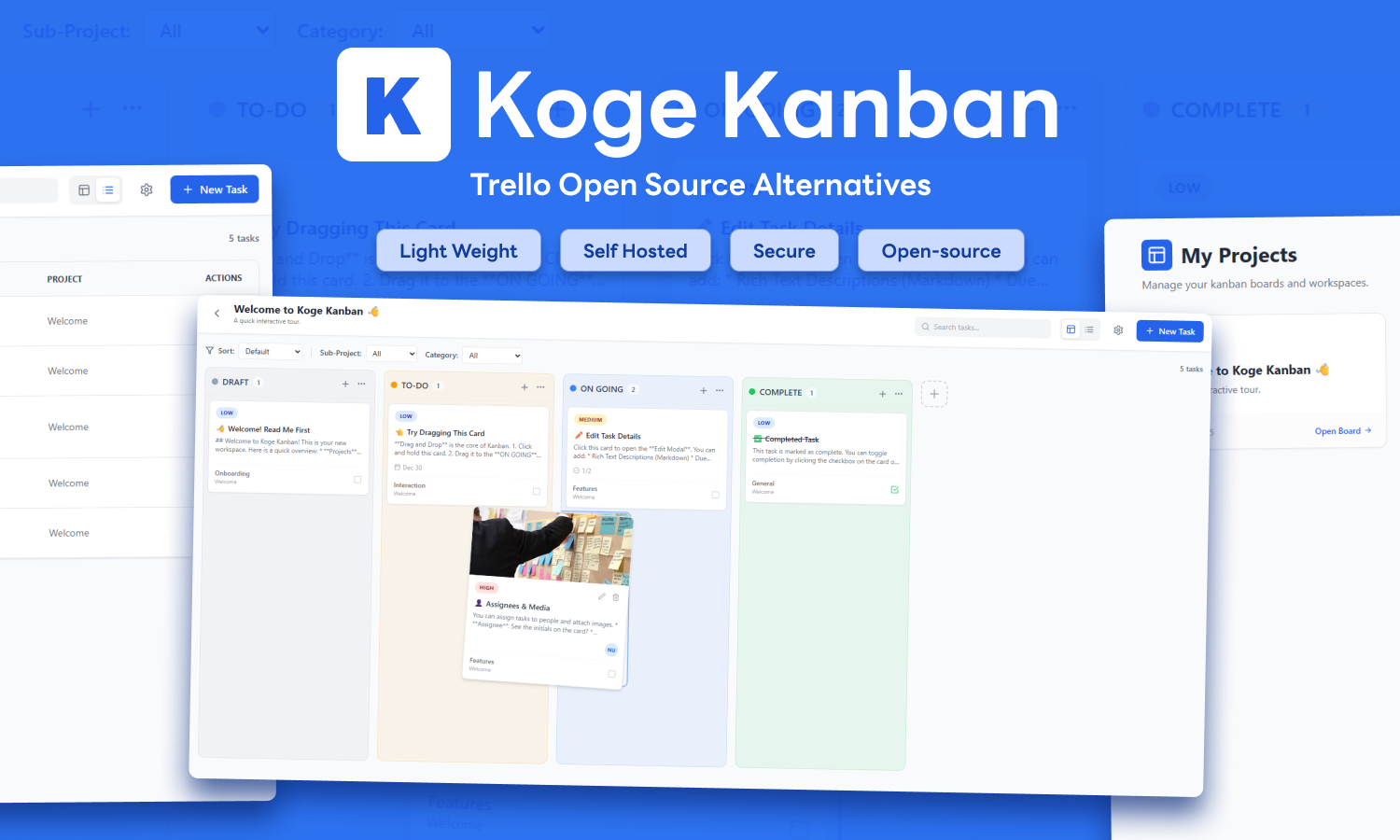
A streamlined Kanban board featuring drag-and-drop management, table views, and project organization. This application requires a local MariaDB server for data persistence and supports optional local AI integration via Ollama.
Features
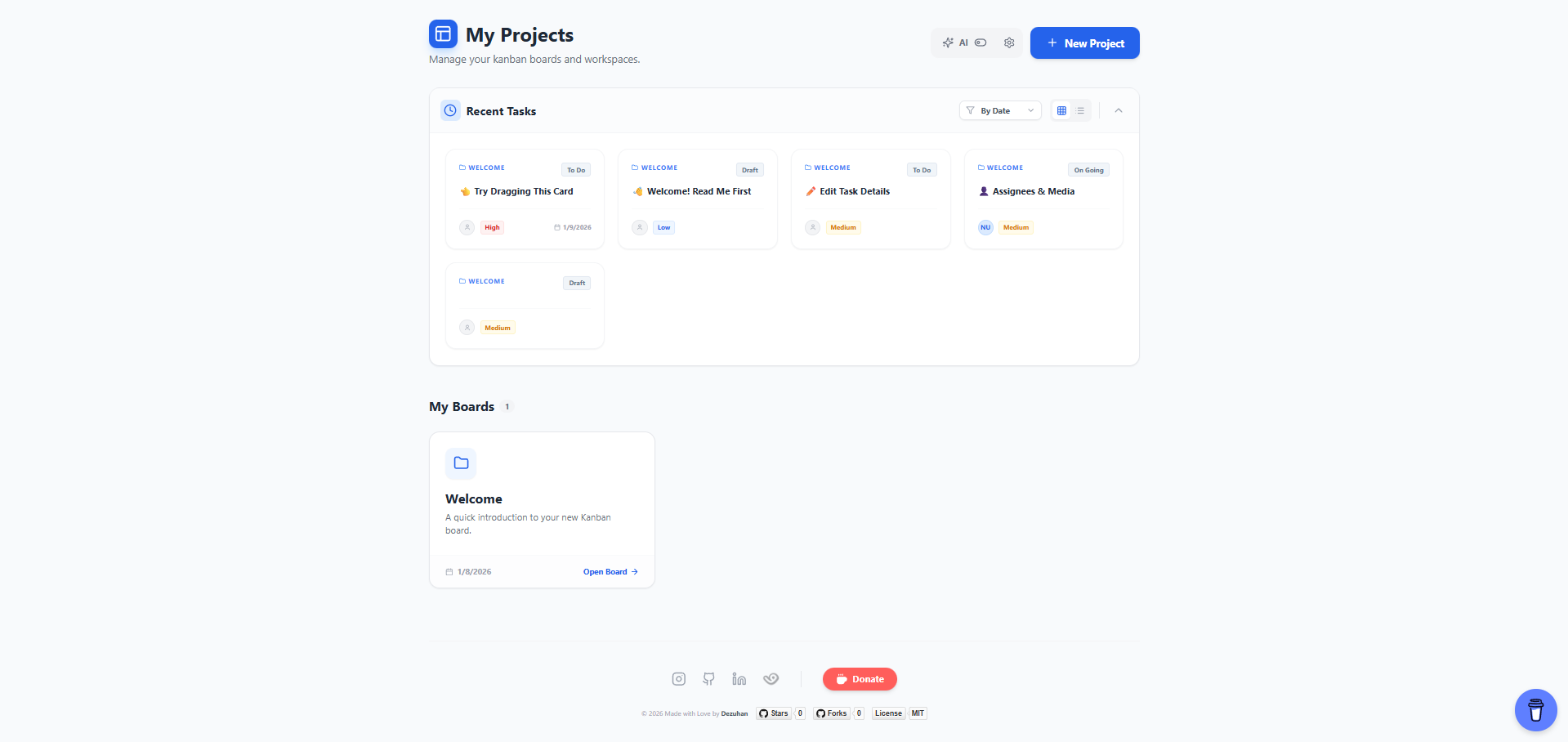
- Project Management: Create multiple projects/workspaces.
- Kanban Board: Drag-and-drop tasks between custom columns.
- Table View: A structured list view of all tasks.
- Media Support: Attach image links or upload images (saved to DB).
- AI Integration: Generate task descriptions and subtasks using local LLMs (Ollama).
- Customization: Customize column colors and priority settings.
- Database Driven: Data is stored in a MariaDB database.
Prerequisites
- Node.js: Version 18.0.0 or higher.
- MariaDB: Required for data storage.
- Docker (Optional): For containerized deployment.
- Ollama (Optional): For AI features. (Recommend using Qwen2.5:latest / Qwen3:latest for concistency)
Installation Options
Option 1: Docker (Recommended)
The easiest way to run Koge Kanban is using Docker Compose. This sets up the app and database automatically.
git clone https://github.com/dezuhan/koge-kanban.git
cd koge-kanban- Clone the Repository
docker-compose up -d- Start with Docker Compose
- Access the App
Open http://localhost:5173 in your browser.
Option 2: Local Manual Setup
Follow these steps to run the application manually on your local machine.
git clone https://github.com/dezuhan/koge-kanban.git
cd koge-kanban- Clone the Repository
npm install- Install Dependencies
- Setup Database (MariaDB)
Ensure MariaDB is installed and running. Create a .env file in the root directory (optional but recommended) or rely on defaults.
Example .env:
DB_HOST=localhost
    DB_USER=root
    DB_PASSWORD=your_password
OLLAMA_HOST=http://127.0.0.1:11434- Setup AI (Optional)
- Install Ollama.
- Pull a model (e.g.,
ollama pull gemma2:2b). - Ensure Ollama is running (
ollama serve).
node server.js- Start the Backend Server
The server will automatically create the koge_kanban database and necessary tables.
- Run the Frontend
In a new terminal window:
npm run dev Open http://localhost:5173.
Private Hybrid Mode (Local Data Gateway)
You can use the hosted frontend while keeping 100% of your data stored locally.
mkdir koge-local-server
    cd koge-local-server
    npm init -y
    npm pkg set type="module"
npm install express mariadb cors dotenv express- Initialize the Project
- Create Server File
Copy the code from [server.js](https://github.com/dezuhan/Koge-Kanban/blob/main/server.js) in this repo into a new server.js file.
node server.js- Run the Server
- Connect via Browser
- Navigate to koge-kanban.vercel.app.
- Allow local network access when prompted.
- Note: AI features will only work if you have Ollama running locally on port 11434.
Project Structure
Koge-kanban/
├── components/       # React UI Components
├── services/         # Database logic (API adapter)
├── index.html        # Entry point
├── index.tsx         # React root
├── App.tsx           # Main application logic
├── types.ts          # TypeScript interfaces
├── vite.config.js    # Vite configuration
└── package.json      # Dependencies and scripts